BiteMemo
TL;DR
How to calculate a target
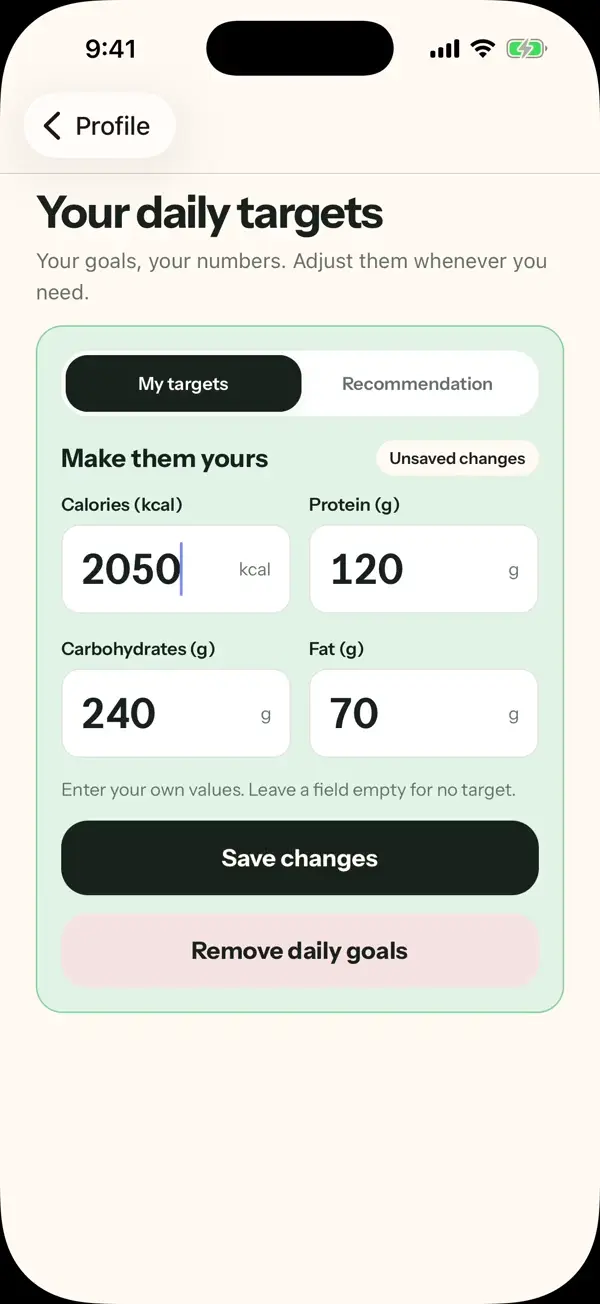
- Open Profile and find Daily nutrition targets.
- Start the estimator and enter the requested activity and goal details.
- Review the result before applying it to your daily targets.
The details
Here is what changed, how to use it, and where you can find it.
See how the estimate is built
The guided calculator separates resting energy, everyday movement, additional steps, workouts, and the adjustment for your selected goal.
Stay in control of the result
Review the recommended calorie target and macro ranges before applying them. You can keep manual macro targets or clear the estimator data without changing the targets already in use.
Availability
Ready when you are.
Web · 2026-09-17