 BiteMemo
TL;DR
How to get BiteMemo on Android
- Download BiteMemo from Google Play.
- Sign in with your BiteMemo account, or create one.
- Add a meal and explore Today, Saved Meals, and Statistics.
Nutrition values from photos and descriptions are estimates and can be edited.
The details
Here is what changed, how to use it, and where you can find it.
The BiteMemo experience on Android
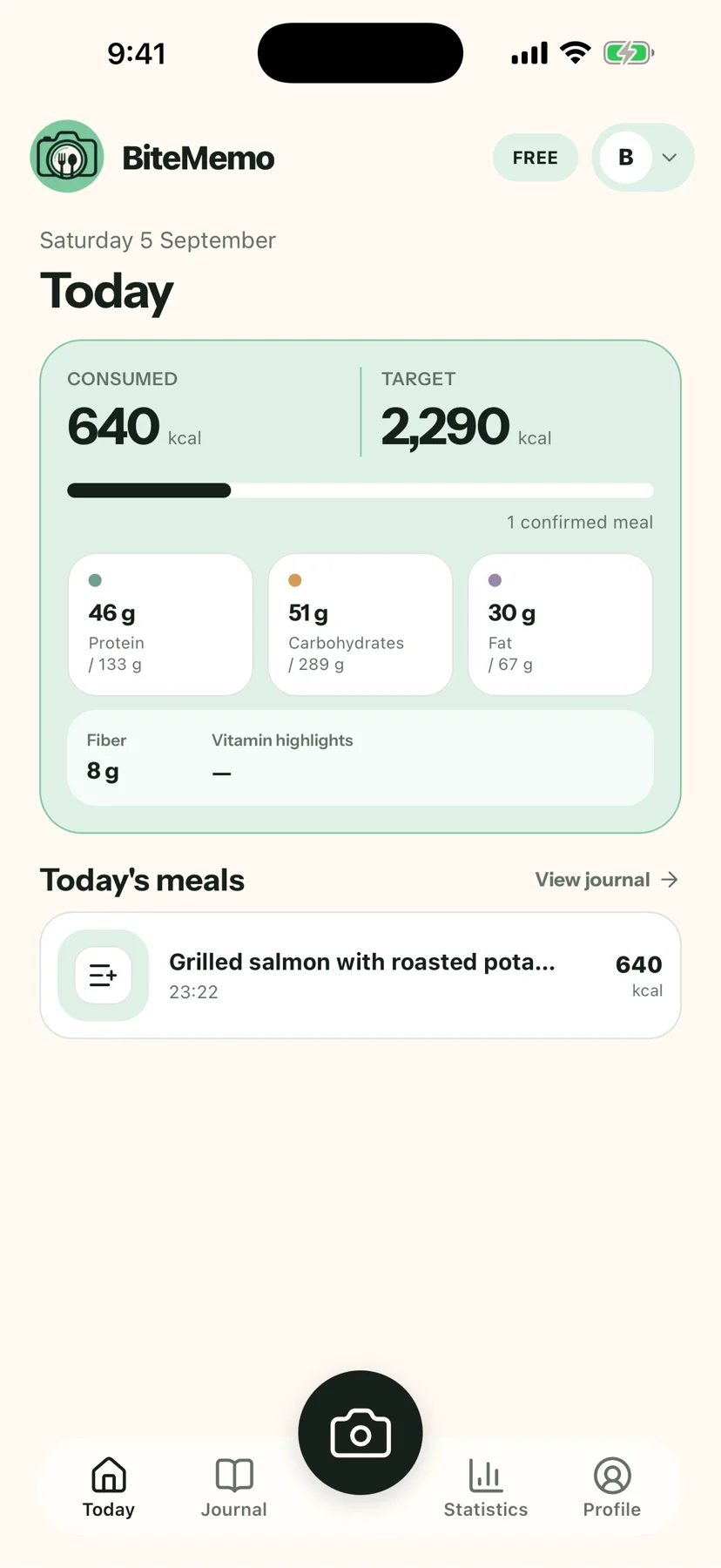
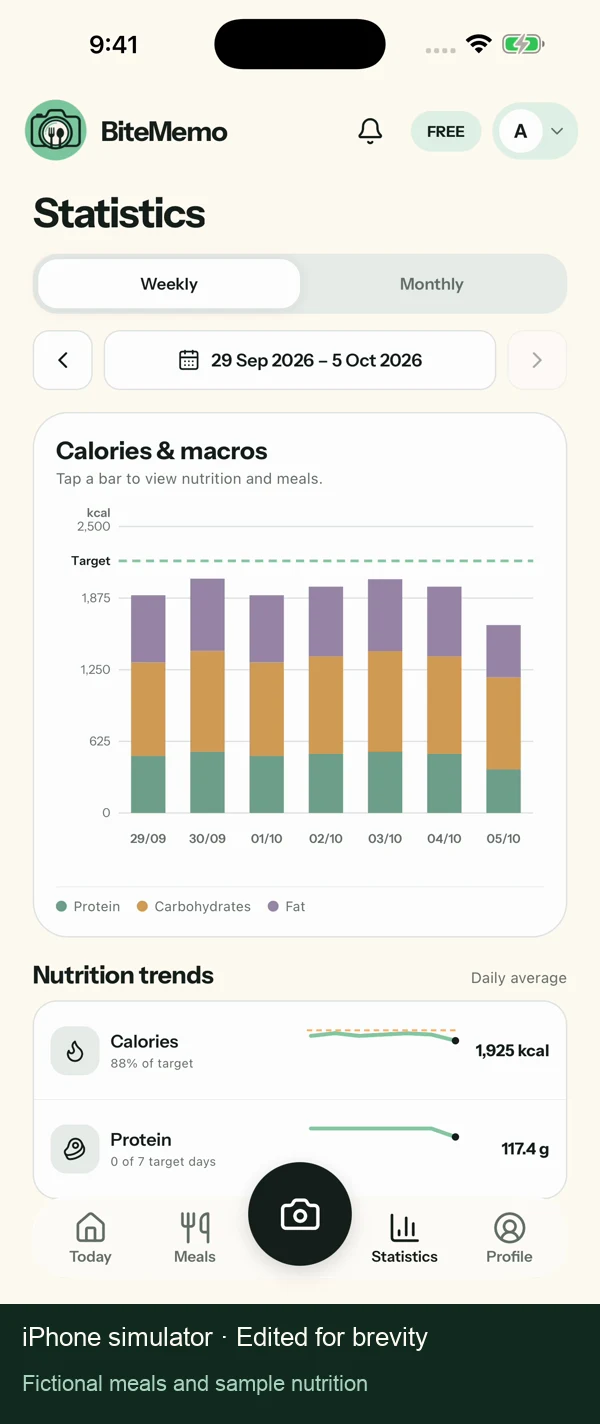
Log meals, review and edit calorie and macro estimates, reuse Saved Meals, follow nutrition goals, and explore weekly and monthly statistics on Android. The video shows shared features in the iPhone simulator.
Download from Google Play
BiteMemo is published on Google Play. Open the official listing using the download button below and install the app on your Android device.
Continue with your BiteMemo account
Sign in with your existing BiteMemo account to continue with your journal and nutrition records. New to BiteMemo? Create an account in the app to start logging meals.
Availability
Download from Google PlayReady when you are.
Android · 2026-10-05