 BiteMemo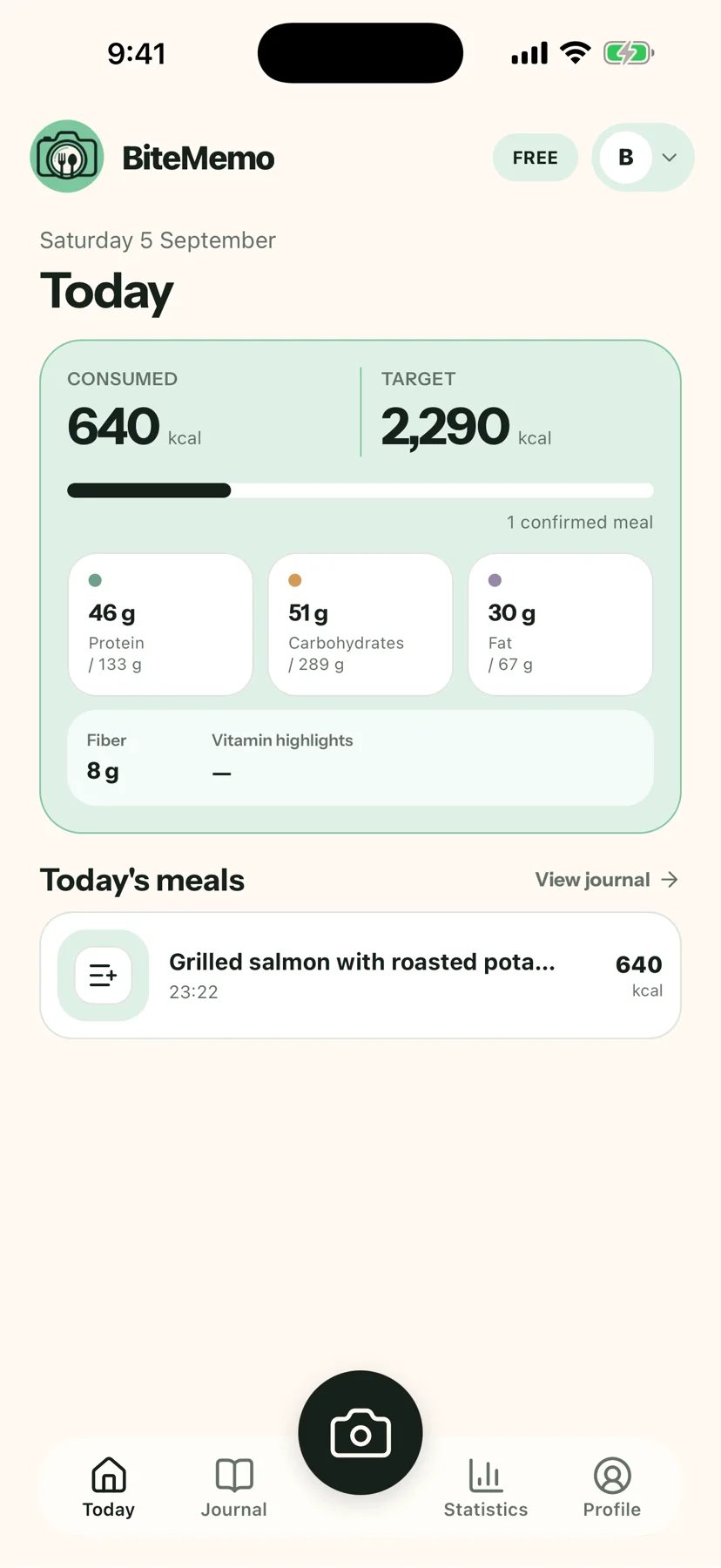
TL;DR
How to continue on another device
- Sign in to the same BiteMemo account on both devices.
- Add or edit a meal on one device.
- Return to BiteMemo on the other device and refresh the journal if needed.
The details
Here is what changed, how to use it, and where you can find it.
One journal wherever you sign in
Meals added on mobile are stored in the same BiteMemo account used by the web app. New and edited entries flow into the shared journal and daily totals.
Refresh when you return
The mobile app refreshes meal data when it becomes active, helping changes from another device appear without a separate import or export step.
Availability
Update in the App StoreReady when you are.
Web and mobile 1.0.5+ · 2026-09-17