 BiteMemo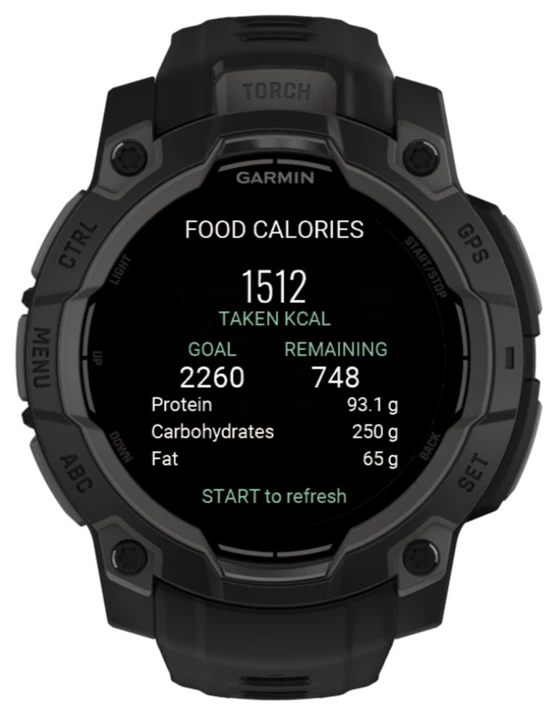
TL;DR
How to connect a Garmin watch
- Generate a Garmin access token from BiteMemo Integrations.
- Paste the token into BiteMemo settings in Garmin Connect IQ.
- Open BiteMemo on the watch to synchronize your daily summary.
The details
Here is what changed, how to use it, and where you can find it.
Nutrition at a glance
The BiteMemo glance shows food calories from your journal. Open the watch app for your calorie goal, remaining calories, protein, carbohydrates, and fat.
Compare food with activity
A calorie-balance view places consumed and burned calories together, using Garmin activity data already available on the watch.
Availability
Ready when you are.
Garmin Connect IQ · 2026-09-17