 BiteMemo
TL;DR
How to change your dock
- Open Profile, then Today dock.
- Tap a design and review its preview.
- Return to Today to use your chosen design.
Nutrition values from photos and descriptions are estimates and can be edited.
The details
Here is what changed, how to use it, and where you can find it.
Four ways to see the same day
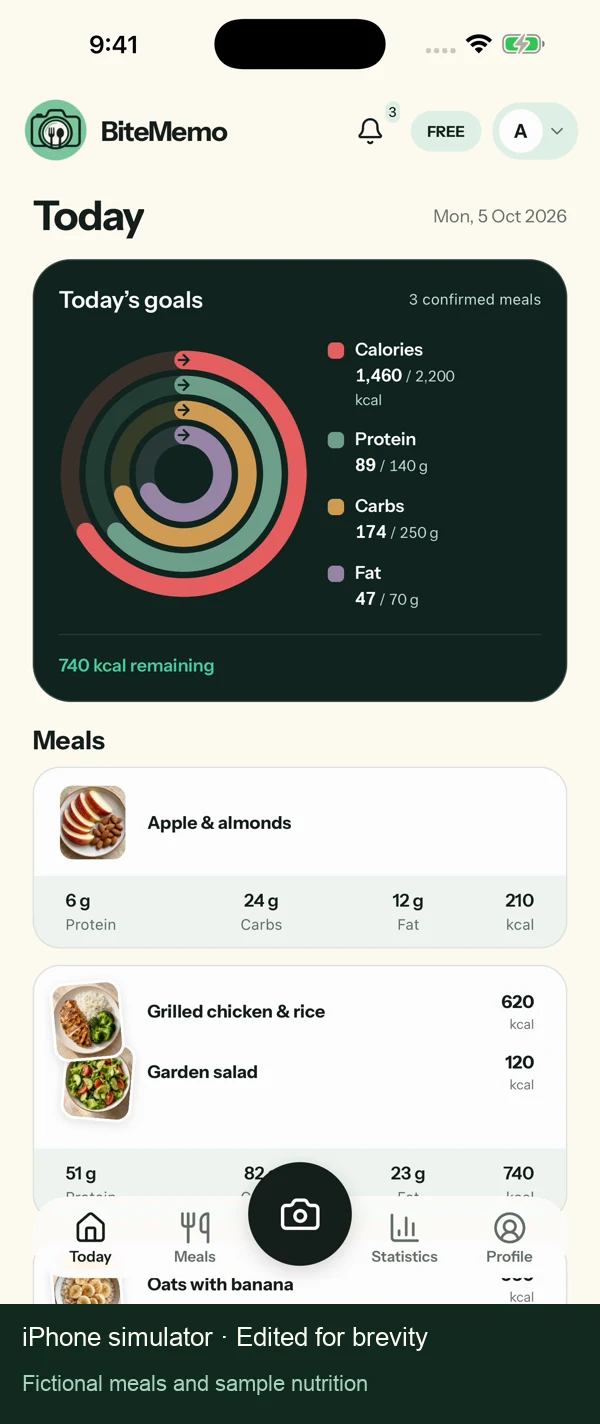
Glow dock, Energy orbit, Quiet balance, and Goal rings offer different arrangements of your calorie and macro summary. Choose the one you find easiest to read.
Preview before returning to Today
Selecting a design updates the preview immediately and saves your preference on this device. There is no separate Save step.
Your records stay consistent
Every design uses the same confirmed nutrition and daily targets. Changing the look does not edit your meals or targets.
Availability
Update in the App StoreReady when you are.
iOS 1.1.0+ · 2026-10-05