 BiteMemo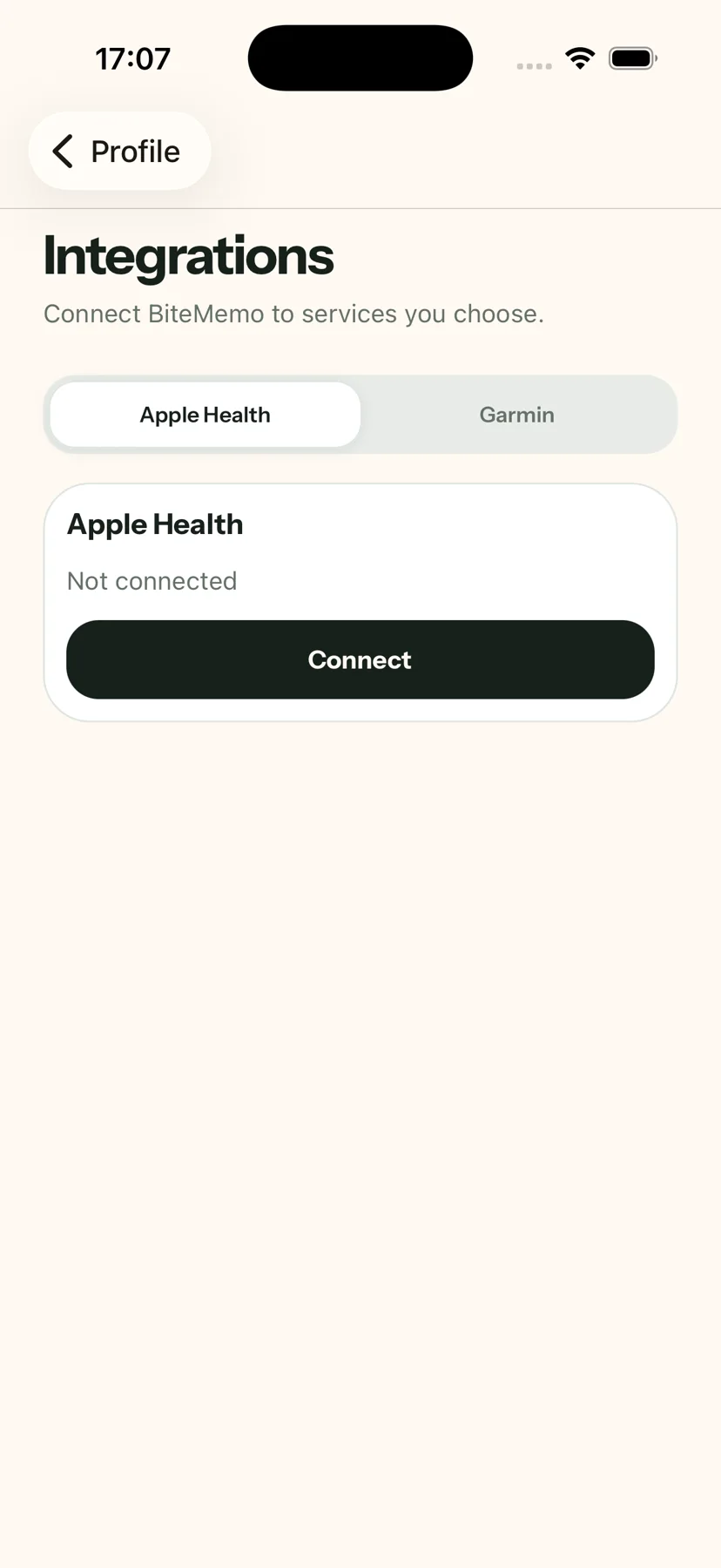
TL;DR
How to connect Apple Health
- Open Profile and find Integrations.
- Choose Apple Health, then allow BiteMemo to write food calories.
- Connect and synchronize confirmed meals.
The details
Here is what changed, how to use it, and where you can find it.
Confirmed meals become food energy
After you connect Apple Health, BiteMemo writes calories from confirmed meals as Dietary Energy Consumed. Existing confirmed meals can also be synchronized from your profile.
A focused permission
The integration requests write access for food calories and does not read your health data. When a synchronized meal is deleted, BiteMemo also attempts to remove its matching Health entry.
Availability
Update in the App StoreReady when you are.
iOS 1.0.5+ · 2026-09-17